Camera level: a true line over the picture
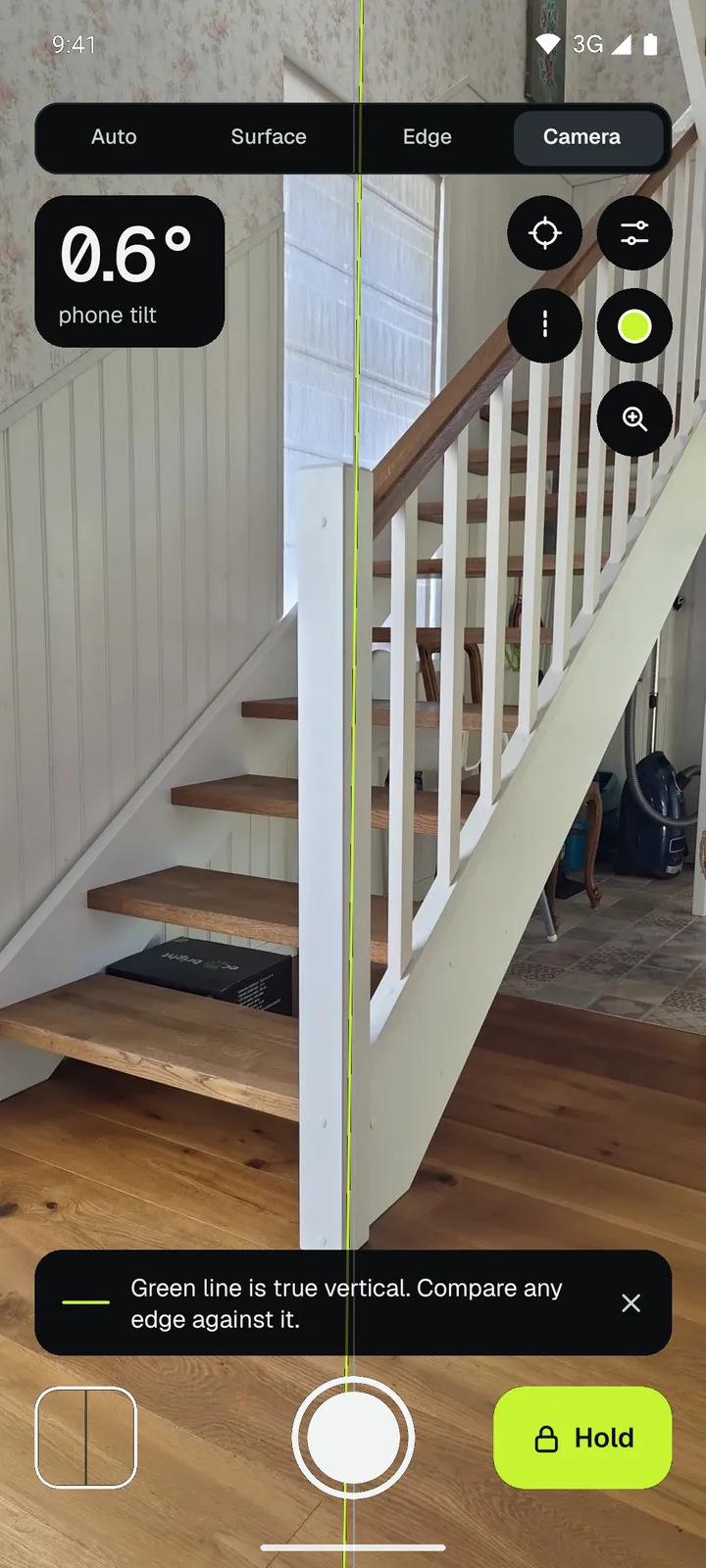
Some things you can't put a phone on: a tall post, a door frame across the room, a staircase. Loodis draws a true vertical or horizontal line over the camera picture and shows how far the phone is tilted.
How it works
Hold the phone upright and point it at the object. The green line is truly vertical (or horizontal when you turn the phone sideways). The dashed line shows the picture's own straight line. Compare any edge in the picture with the green line – if the door frame leans, you'll see it at once.
The number in the corner is the tilt of the phone itself, to 0.1°.
Save photos with the line
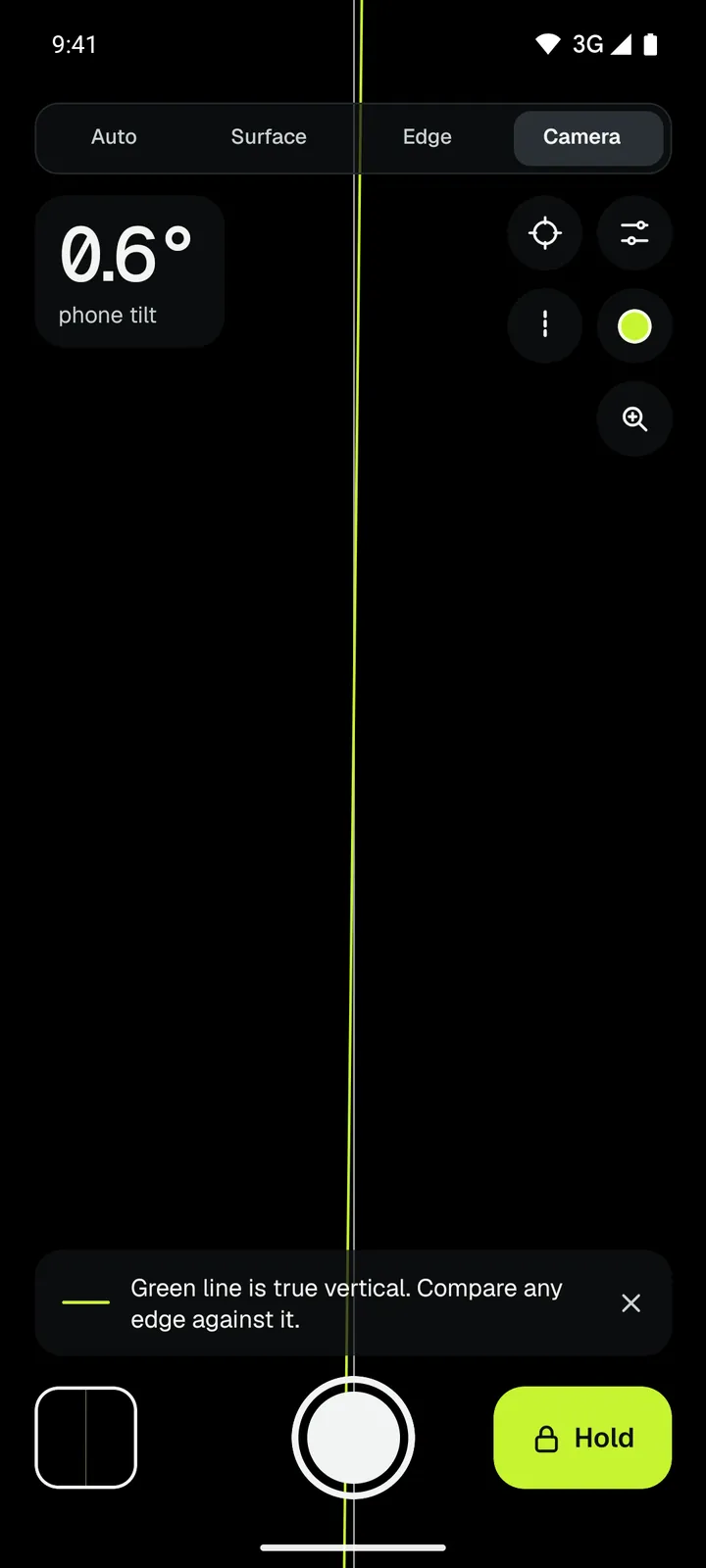
Press the shutter to save a photo with the level line, the angle, the date and time burned in. Photos go to the Loodis album in your gallery. That's proof of how a wall or post stood – for a customer, a landlord or an insurance claim.
- Hold freezes the picture with the line and the time for a quick screenshot.
- Zoom brings a distant edge closer; the line stays true.
- Line colours: green or red level line, white or yellow guide, or no guide.
Calibrate the camera
Camera lenses are mounted with a small error of their own. Loodis can calibrate the camera with a line you know is true – a plumb line, a laser line – or with any straight edge seen from the front and from behind. The two views cancel the edge's own lean.
Try it for free
The camera level is part of Loodis Pro. Open the Camera mode and try it three times for a minute each, free. See what Pro includes.
Read next
How to hang a picture straight
Hang pictures and mirrors straight and check door frames for plumb.→How accurate is a phone level?
What limits a phone level, how calibration helps and a 30-second test.→Loodis Pro
Loodis Pro adds the camera level, slope in % and mm/m, millimetre guidance, zero, full-screen green and sound guide. One-time purchase, 3 free tries.→Measure it with Loodis
Bubble level for Android. Calibrate on any table, read the tilt in degrees and try every Pro feature three times for free.