How to hang a picture straight
Short answer: rest the phone on the top edge of the frame, or hold it against the wall to check plumb – then turn the frame until Loodis says level.
Get it on Google PlayNo ads · No account
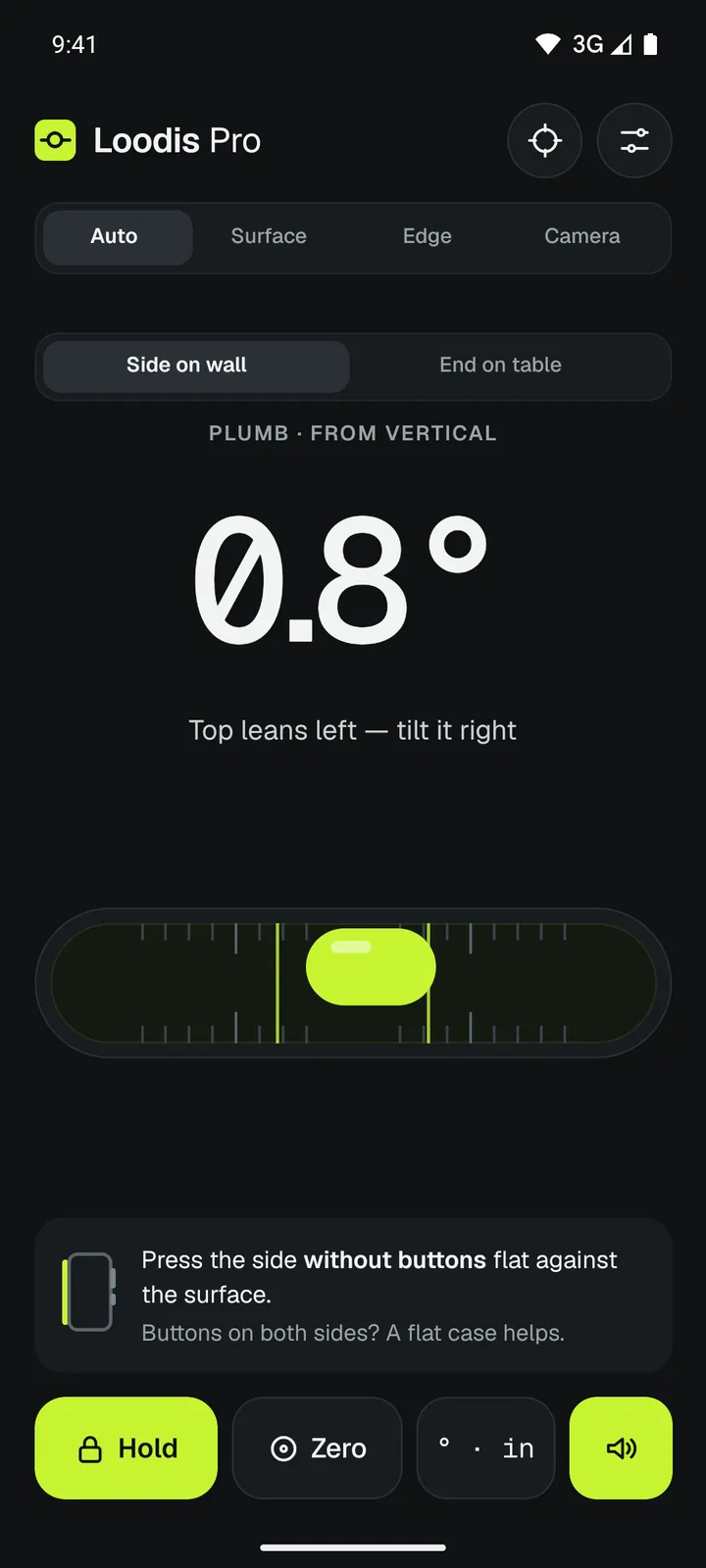
Hang the picture
- Hang the picture on its hook or wire.
- Rest the phone on its long edge on the top of the frame. On a thin frame, hold it lightly against the frame's top edge.
- Read the guidance and turn the frame until Loodis shows level.
- For two hooks: hold a straight lath against the wall, put the phone on it, and mark both holes along the lath when it is level.
Check that a wall or door frame is plumb
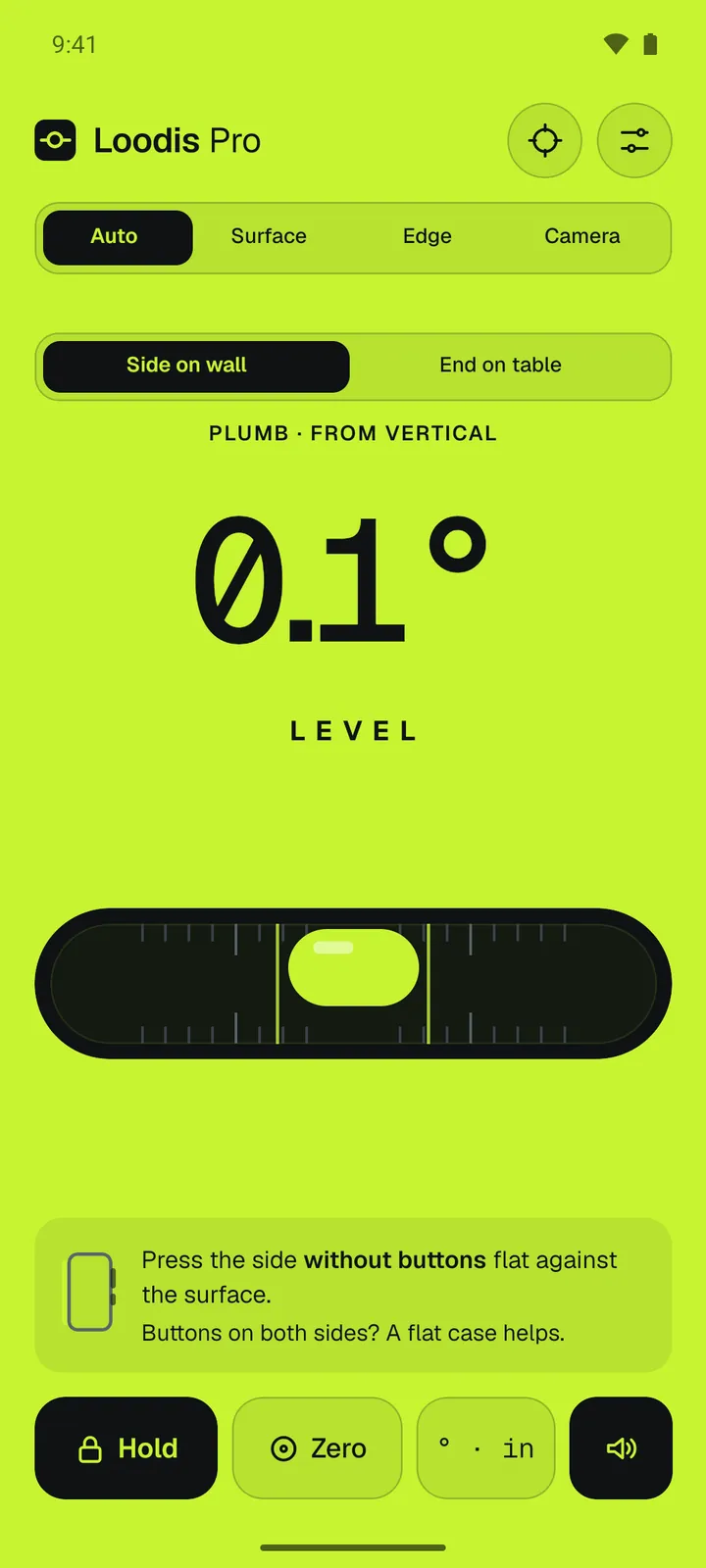
Hold the phone upright and press its side without buttons against the wall or frame, top end up – Loodis switches to the plumb view by itself (Side on wall). Loodis shows how far it leans from vertical and which way: Top leans left. Press Hold to keep the reading and the time.
For tall things you can't reach – a post or the corner of a building – use the camera level.
Read next
Camera level: a true line over the picture
Check walls, posts and stairs from a distance with a level line on the camera.→How to level a shelf with your phone
Hang a shelf level and see how many millimetres to raise one end.→How accurate is a phone level?
What limits a phone level, how calibration helps and a 30-second test.→Measure it with Loodis
Bubble level for Android. Calibrate on any table, read the tilt in degrees and try every Pro feature three times for free.